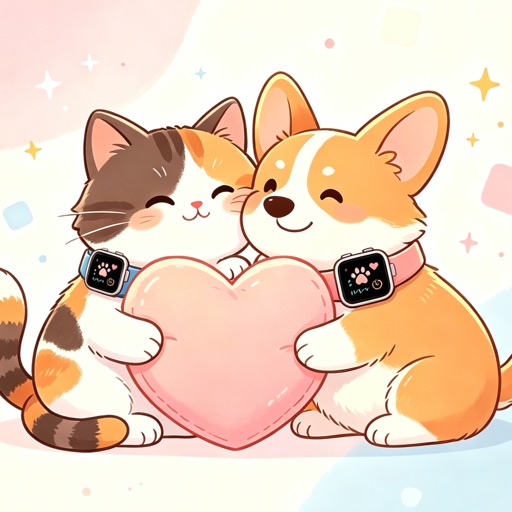
Move it where you like
Place the floating companion in a favorite corner of the desktop and adjust its size to fit your setup.
Furroam for Mac
Put an animated cat or dog beside your work, choose a favorite spot, and let it keep you company. The Mac app works independently, without an iPhone, Apple Watch, or real pet.
Desktop companionship is optional. You can add real-pet updates later through the iPhone app.
Mac companion preview from the Furroam App Store page.
Made for the desktop
Furroam is meant to sit beside what you are already doing. You can leave the companion alone, choose an action, or move it out of the way.
Place the floating companion in a favorite corner of the desktop and adjust its size to fit your setup.
Let the companion follow a simulated routine or select an action yourself when you want a different mood.
When you are ready, pair the iPhone app to receive supported Apple Watch activity updates on your Mac.
Three quiet steps
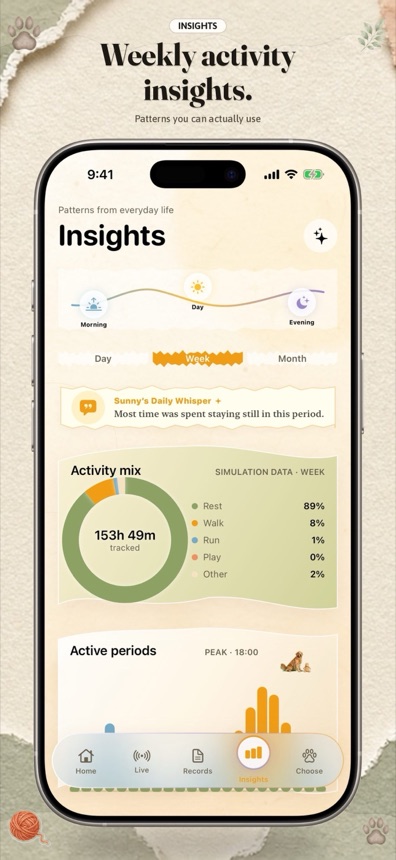
For real-pet households
If you already use Furroam on iPhone, the Mac app can receive supported activity updates from a compatible Apple Watch worn by your pet. The desktop companion can reflect that activity while you review records and summaries on the Mac.
This connection requires compatible devices. Manual entries, Watch records, and simulated behavior remain labeled separately.
See how Watch sync worksBefore you download
The current Mac app is free to download. Optional Furroam Club membership unlocks more content and actions.
No. The desktop companion works on its own. An iPhone and compatible Apple Watch are only needed for optional real-pet activity updates.
Furroam is designed as a floating desktop companion. You can move it around the desktop and choose its size and actions.
Yes. The companion identity and collection are shared by the Furroam apps, so you can keep the same favorite character across devices.
Yes. Furroam is deliberately low pressure. The companion can remain beside your work without requiring a sequence of tasks or constant interaction.
Pick a cat or dog, place it beside your work, and connect the real-pet side later if you want.